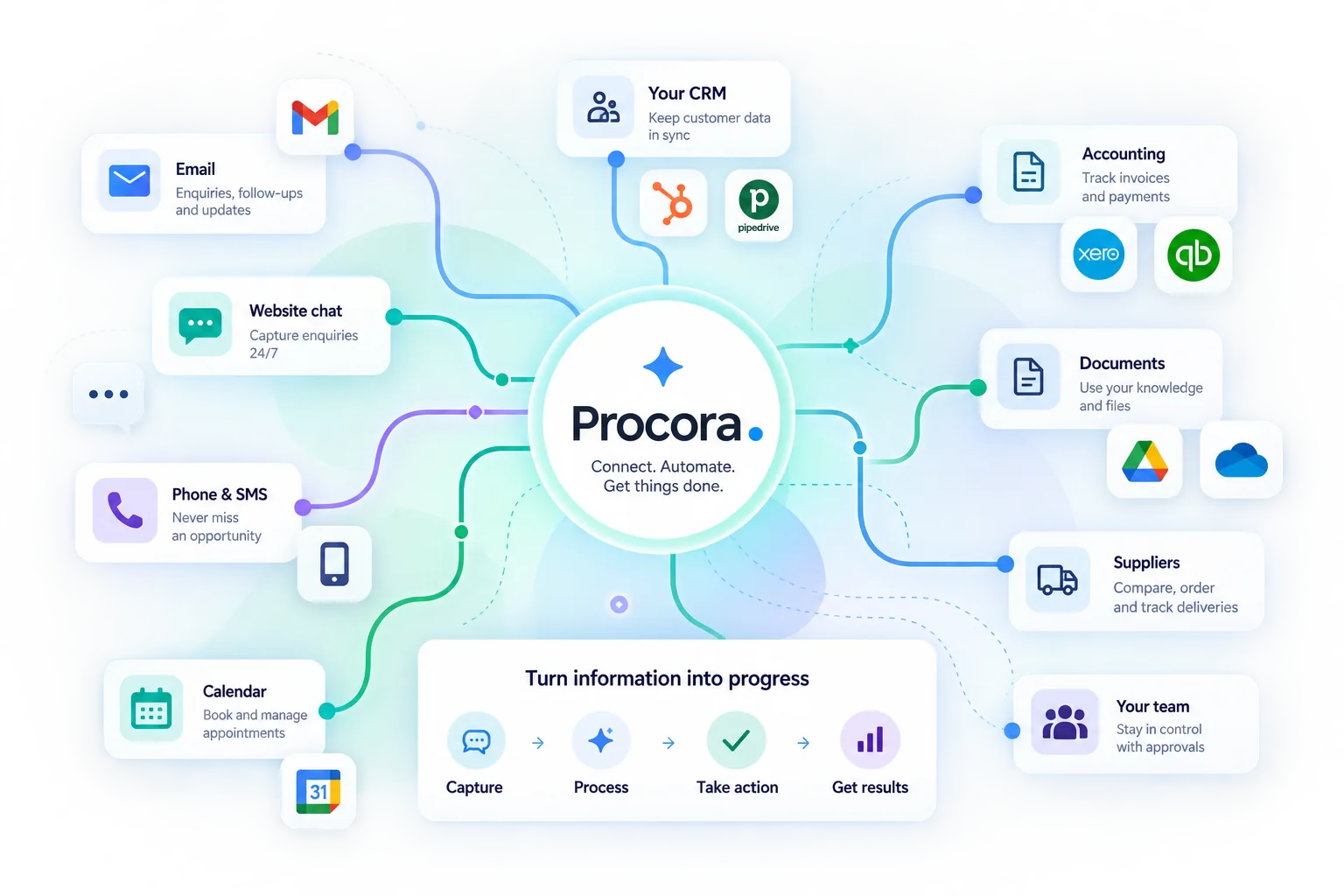
What each connection actually does
Availability depends on the operation, permissions and configuration. Review your package's actual access in the workspace. Provider subscriptions and usage costs may be separate; confirm them before setup. The descriptions below were checked against source code on 12 October 2026. They do not establish that your credentials work; a successful customer-connection test must still be recorded.
Google Calendar · Available after configuration
Read busy time ranges — Calendar → Procora (read only)
Booking access, owner's OAuth connection, selected calendar and availability rules.
This connection does not write calendar events. An available slot is not a confirmed booking.
If it fails: Reconnect revoked access; arrange the appointment with a person on failure.
iCalendar · Google / Outlook / Apple · Available after configuration
Calendar invitation and subscription feed — Saved Procora bookings → calendar client
Saved bookings, correct time zone and a calendar client importing invitations or subscribing to the feed.
A feed is not two-way sync. Refresh depends on the calendar client; external conflicts require separate availability checks.
If it fails: Check feed access, time zone and client refresh.
HubSpot · Available after configuration
Contact, qualification note and booking meeting — Procora → HubSpot
Private app token with required contact, note and meeting permissions; configured connection and customer test.
Contacts match by email where available. No quote, invoice or payment sync; missing email can create a new contact.
If it fails: Check permissions and last error before retry; review duplicates.
Pipedrive · Available after configuration
Person, enquiry details and booking activity — Procora → Pipedrive
API token, correct workspace, configured connection and customer test.
Contact/activity creation is not a confirmed sales process or quote sync. Check recipient and duplicates.
If it fails: Check token, error and existing records before retry.
e-conomic · Available after configuration
Create a customer record from an enquiry — Procora → e-conomic
App secret, agreement grant, customer group and payment terms. Confirm the accounting defaults used before activation.
The adapter creates a customer record with DKK defaults. It does not create meetings or read/sync invoices, quotes or payment status.
If it fails: Check customer group and existing customers; retry may need manual duplicate review.
Webhooks · Zapier / Make · Available after configuration
Send signed event data to a configured receiver — Procora → receiver
Webhook access, approved endpoint, signing secret and receiver test.
A receiver HTTP response establishes acceptance, not the subsequent business action. A template is not a completed integration.
If it fails: Check signature, receiver failures and idempotency before retry.
Telegram · Available after configuration
Inbound written conversations — Telegram ↔ Procora assistant
Channel access, available channel slot, bot token and verified webhook.
Not telephone answering or automatic marketing. The website occupies one channel slot.
If it fails: Check bot token, webhook and a controlled message test.
WhatsApp · Instagram · Messenger · Pending provider approval
Messaging channels require provider approval — Provider ↔ Procora after approval
Meta approval, customer's business account, relevant permissions and channel slot.
A plan feature key does not provide provider approval or an active channel.
If it fails: Confirm approval status before installation or promising channel access.
Google Search Console · Pending provider approval
Private search clicks, impressions, CTR and average position — Google → private authorised project
Verified Procora account, project access, Google OAuth and a matching property with sufficient access.
Google OAuth registration awaits completion. No data is retrieved without customer approval. This is not Analytics traffic, live rankings or backlinks.
If it fails: Complete OAuth setup, connect the matching property and request the measurement manually.
Tilbud / faktura / betaling · Quote / invoice / payment · Planned
Authoritative document and status connection — Not activated
Separately agreed source, refresh rules and version/payment-status tests.
CRM contact export does not establish this connection. The quotation pilot prepares drafts and sends no customer messages.
If it fails: Use current manual sources within an agreed pilot scope.
Google Analytics 4 · Backlinks · Live rankings · Unsupported
Private traffic and external SEO datasets — No active audit data connection
A separate connection, customer permission or licence and an implemented measurement.
Procora's own website analytics does not grant access to a customer's Google Analytics.
If it fails: Show data as unavailable; do not present AI estimates as actual measurements.